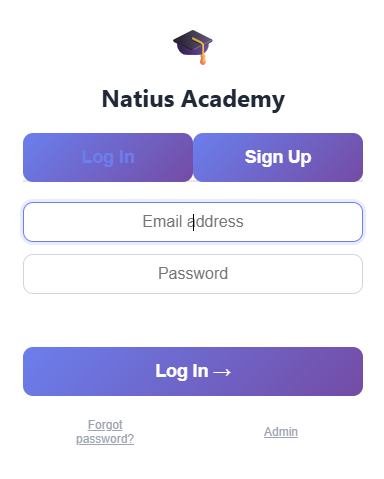
Create a profile & enrol in a course
Sign up your household in seconds. Each learner gets their own profile with a personalised home screen showing their enrolled courses and progress at a glance.
- One account, multiple learner profiles
- Choose from curriculum-aligned courses (Year 2-6 and beyond)
- Or generate a completely custom course on any topic using AI
- Prerequisite guidance helps learners build in the right order
Explore the curriculum
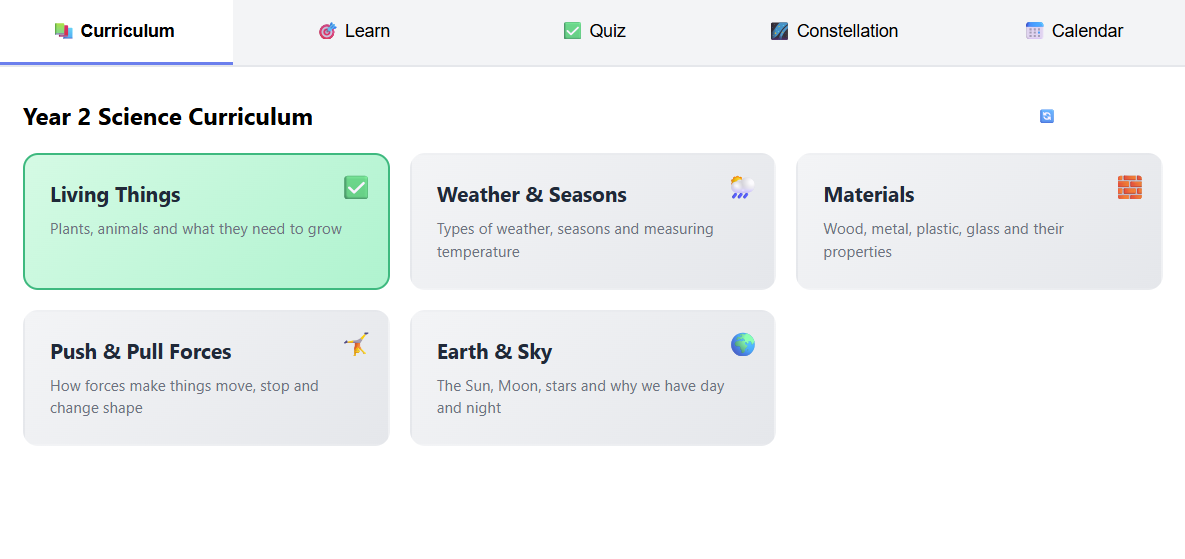
Every course is broken into bite-sized topics with clear learning goals. Learners can see exactly what they're working toward - and parents can see the full picture.
- Topics listed with completion status
- Curated resources: videos, articles, and activities for each topic
- Community resource upvoting - the best materials rise to the top
- Lock/unlock flow keeps learning structured without being rigid
Test knowledge with AI-powered quizzes
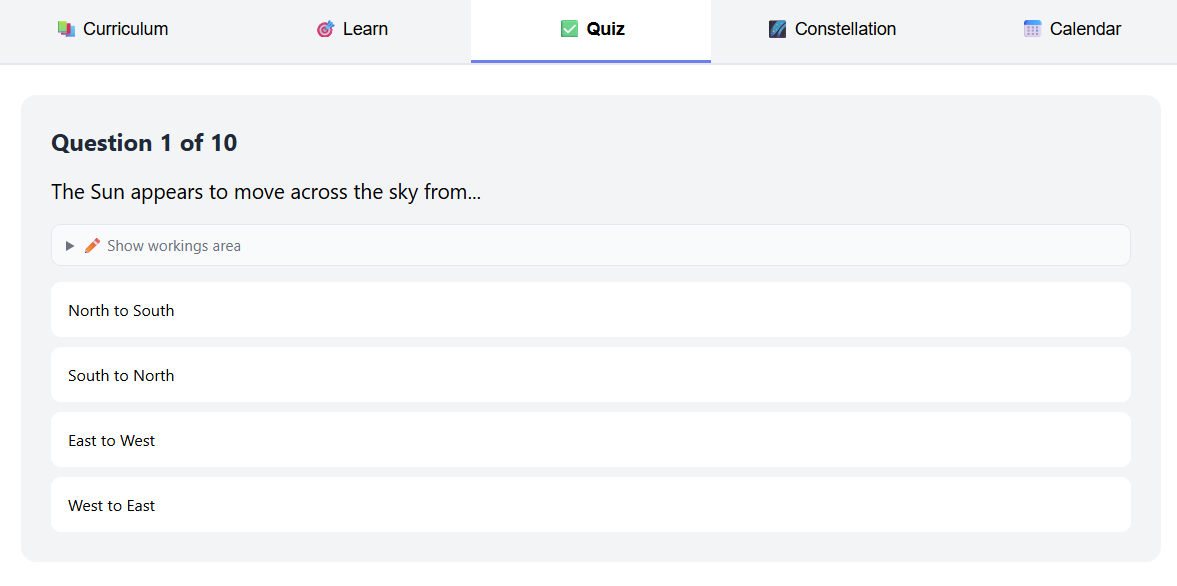
Quizzes are the heart of Natius. Each quiz is generated fresh by AI - so no two sessions are the same. Difficulty adapts based on recent performance.
- 10 questions per session, shuffled and unique each time
- Three difficulty levels: Practice 🌱, Standard ⭐, Challenge 🔥
- Instant feedback with explanations after each answer
- Flag questions that seem wrong - reviewed by parents in the dashboard
- Stars awarded for strong performance
Stay on track with a study schedule
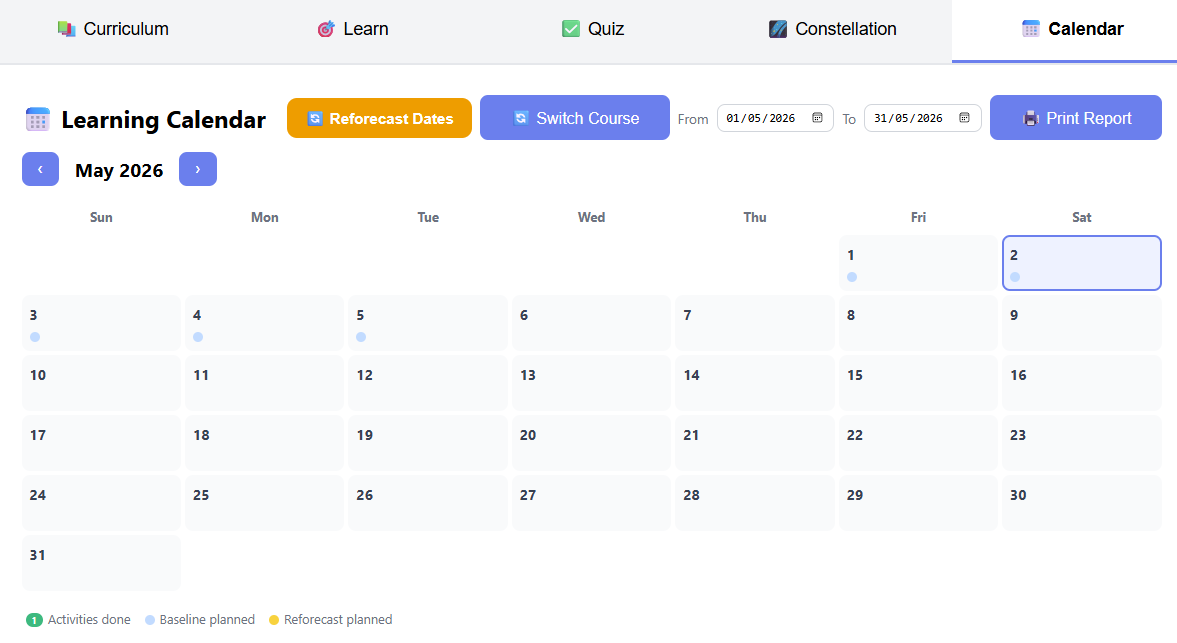
Set a study schedule and Natius builds a personalised learning calendar. Green dots mark days with activity. Blue markers show planned topics - so learners always know what's next.
- Baseline schedule set on enrolment
- Reforecast anytime if life gets in the way
- Daily activity log shows what was studied and for how long
- Printable progress reports for any date range
Watch knowledge grow on the constellation map
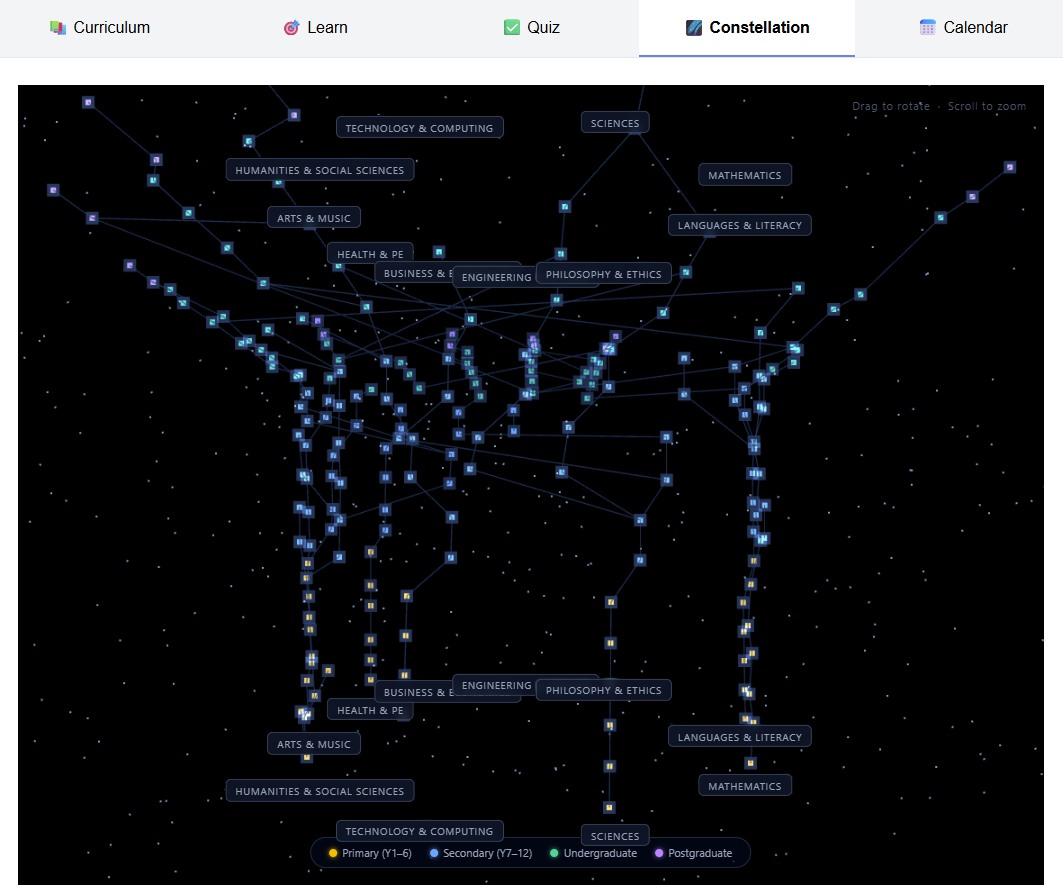
As topics are mastered, they light up on a beautiful 3D constellation map - an ever-expanding universe of knowledge that makes progress feel tangible and exciting.
- Every completed topic becomes a glowing star
- Prerequisite connections shown as lines between stars
- AI-generated courses automatically add new stars to the map
- Spans from Year 1 all the way through to advanced learning
Parents stay in control with the dashboard
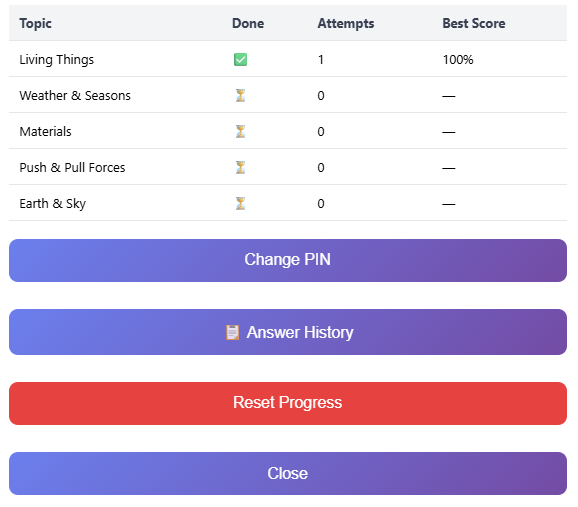
The parent dashboard gives full visibility - without interrupting the learning flow. Protected by PIN, it's your window into every session your child has completed.
- View all quiz answers and scores by topic
- Review flagged questions submitted by your child
- See the full activity log across all courses
- Print a detailed progress report for any date range
- Manage learner profiles and reset passwords